

3Lens Dash Cam for Cars 2" Car DVR 1080P Video Recorder Front Rear View Camera for Vehicle Night Vision Black Box Car Assecorie
2camera-32G
$27.02
Skip to product information







3Lens Dash Cam for Cars 2" Car DVR 1080P Video Recorder Front Rear View Camera for Vehicle Night Vision Black Box Car Assecorie
$27.02
SPECIFICATIONS
APP Compatibility: Android Apple Universal
Accessory Type: Suction cup holder, application manual.
Aperture: F2.0
Assembly Mode: Portable Recorder
Audio Recorded: Yes
Battery: Built-In
Battery Type: lithium battery
Brand Name: WDSZKMYF
Built-in Screen: Yes
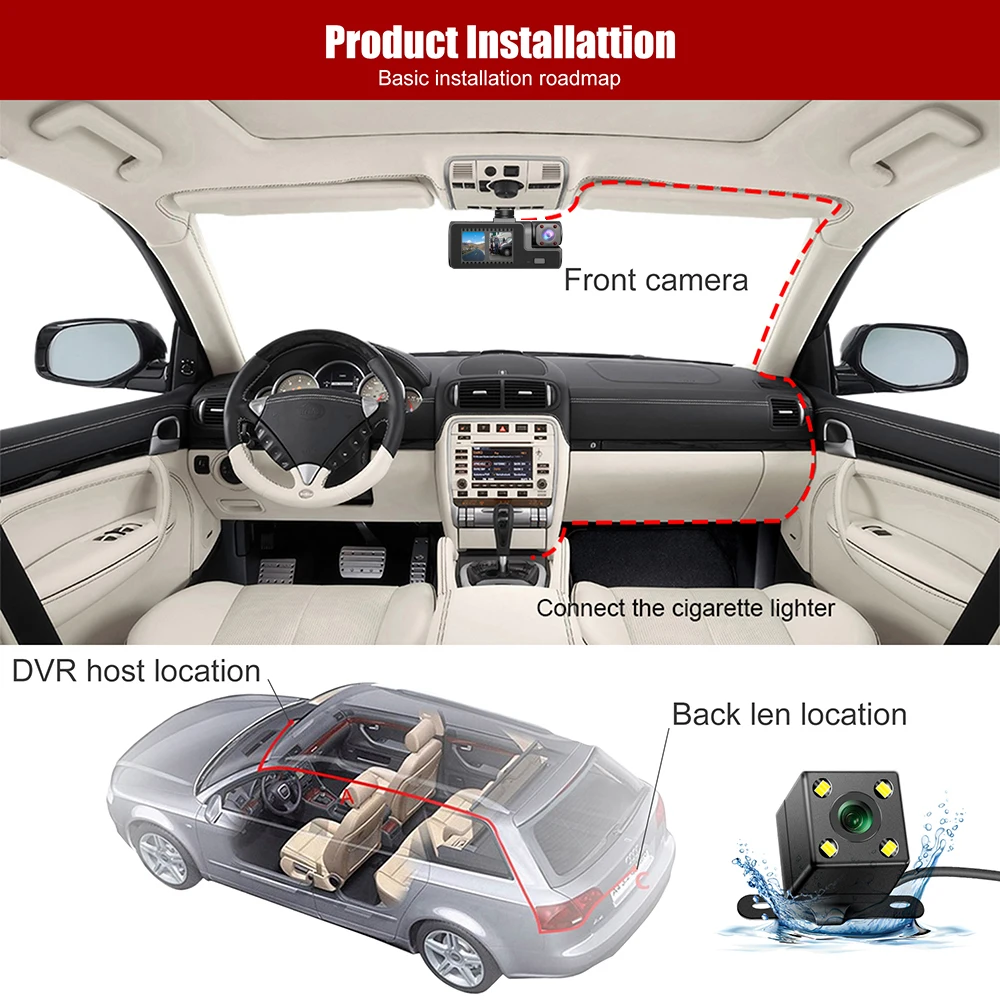
Cable Length: Front 3.5M Rear 6M
Camera Resolution: 1920x1080
Certification: CE,FCC
Chipset Manufacturer: Generalplus
Choice: yes
Data Storage Capacity: 64G
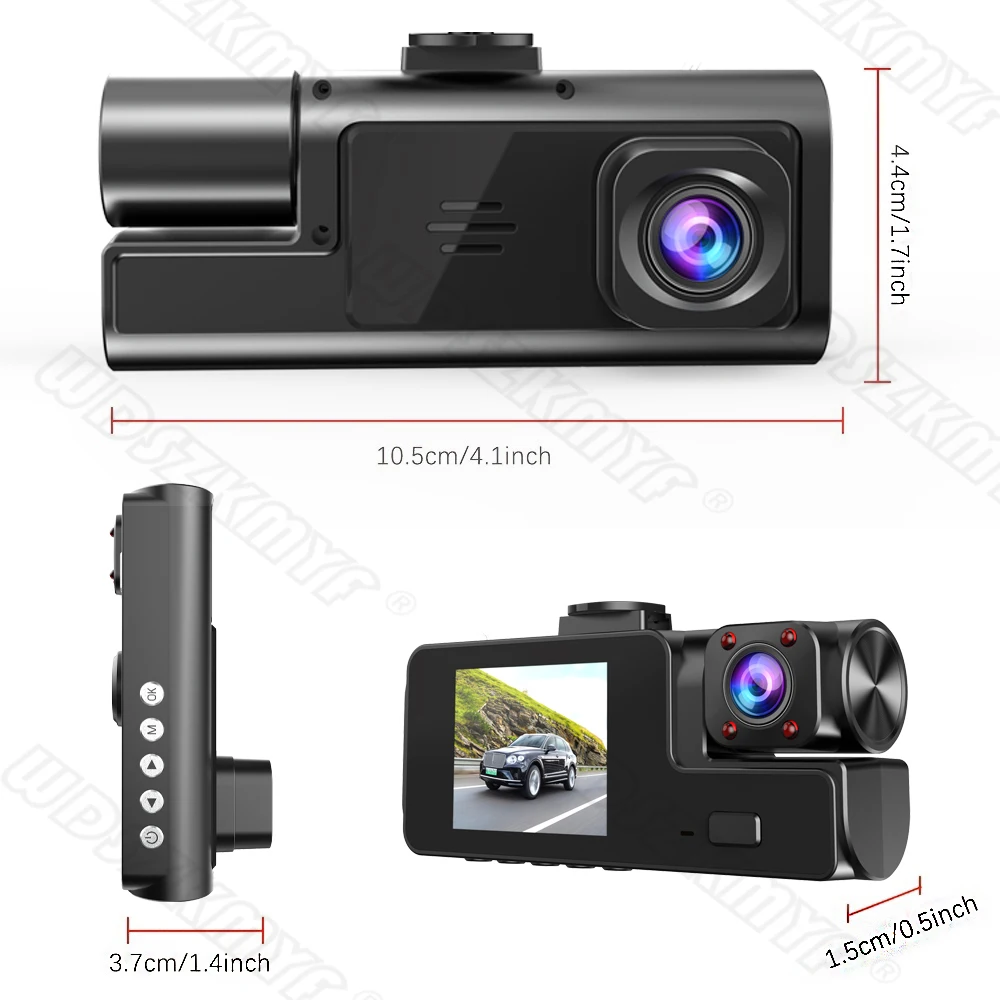
Dimensions (W x H x D): 10.5*4.2*5.2cm
Display: IPS
Display Size: <3"
Frames Per Second: 30
GPS logger: None
High-concerned chemical: None
Imaging Sensor: Sony IMX307
Input/Output: USB
Interface: AV-In
Is Batteries Included: Yes
Item Type: Car DVR
Loop-Cycle Recording Feature: Yes
Max External Memory: 64G
Maximum Video Frame Rate: 30FPS
Memory Card Required Reding Speed: Class 10
NightShot Function: Yes
Number Of Lenses: 3
OSD Language: Chinese (Simplified),Chinese (Traditional),English,French,German,Japanese,Korean,Polish,Portuguese,RUSSIA,Russian,Spanish
Origin: Mainland China
Original Package: Yes
Pixels: 200Mega
Power Source: Corded Electric
Rear Camera: Yes
Screen Ratio: 4:3
Special Features: G-Sensor,With Rearview Mirror,Wide Dynamic Range
Touch Screen: No
Video Code: H.264
Video Format: AVI,MP4
View angle: 170° 150°
Working Temperature: -20℃~+70℃
Please note that this link offers two options: a 2-lens package and a 3-lens package. The 2-lens package does not include the rear camera. Thank you!
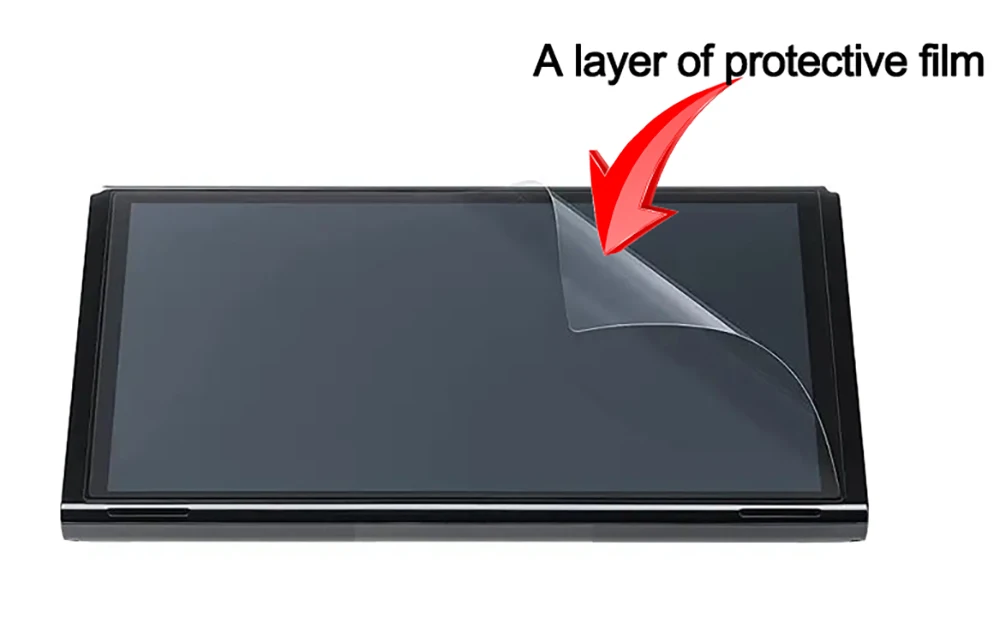
This product has a protective film
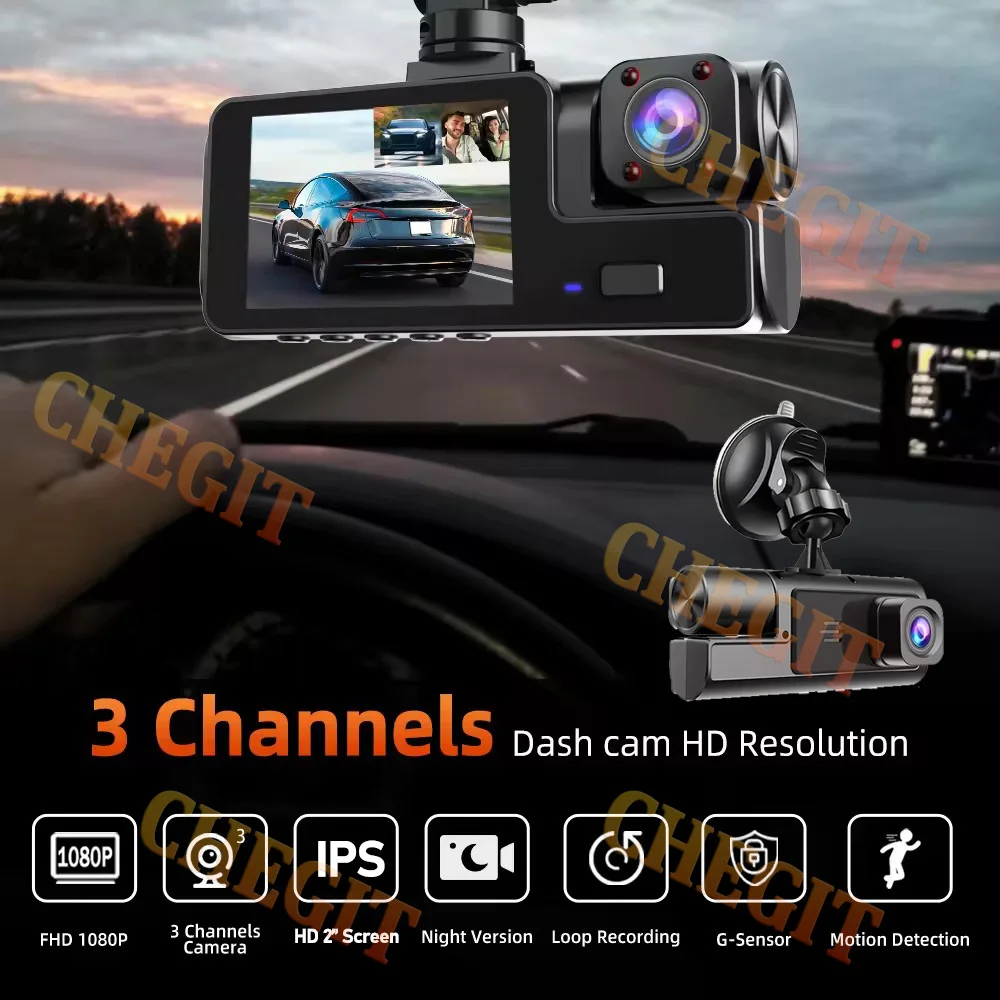
The new high-definition 3-lens dash cam
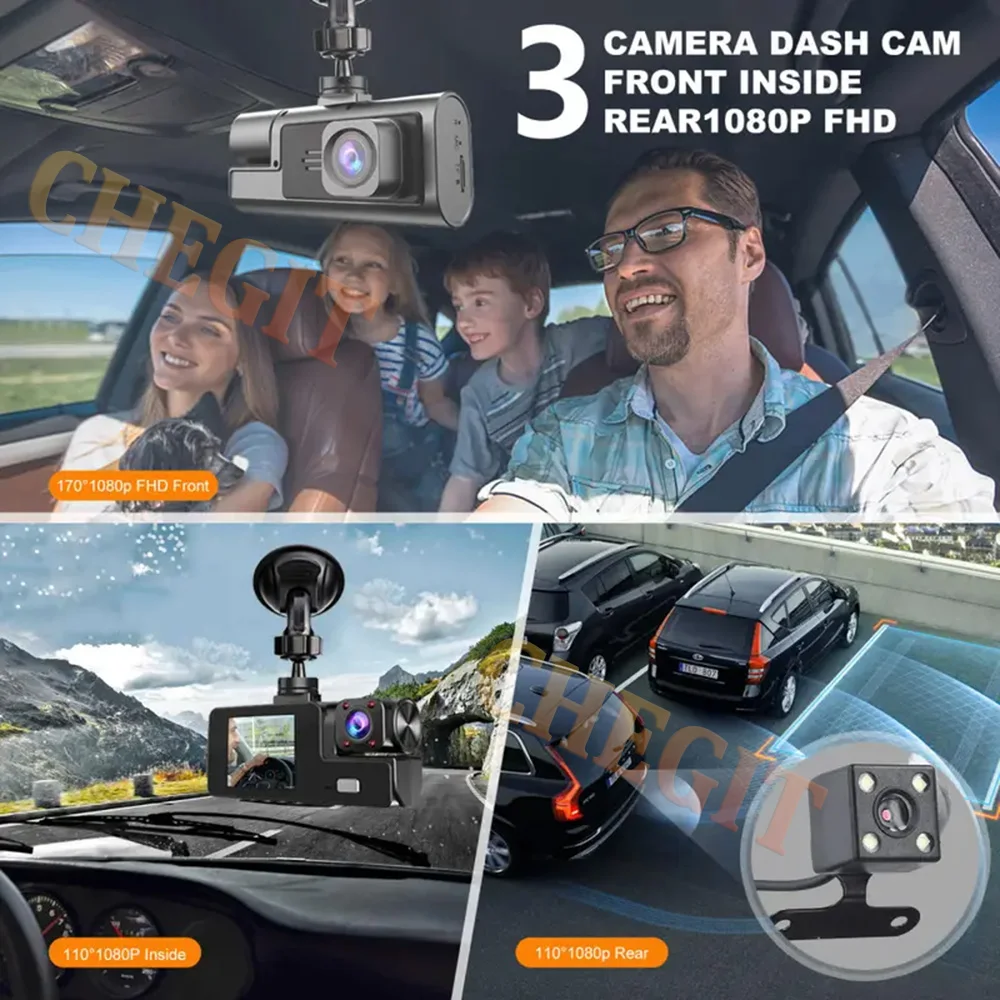
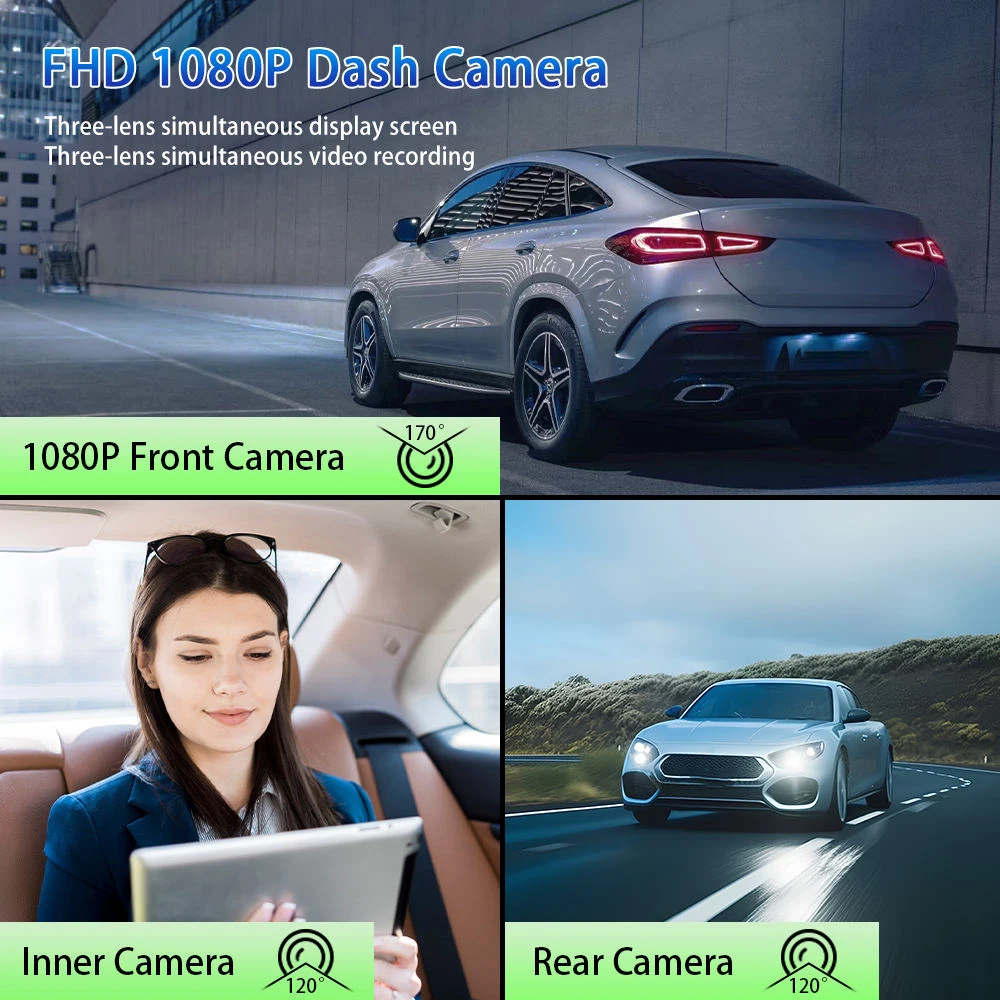
Product Specifications:3 Channels: [Front+Interior+Rear]
Screen size: 2 inches
File format: AVI
Voltage 1 Current: 5V/1A
Video resolution: 1080P; 720P; 720p
Continuour Loop Video: Seamless Loop Recording
Automatic power on/off: support automatic ignition and shutdown
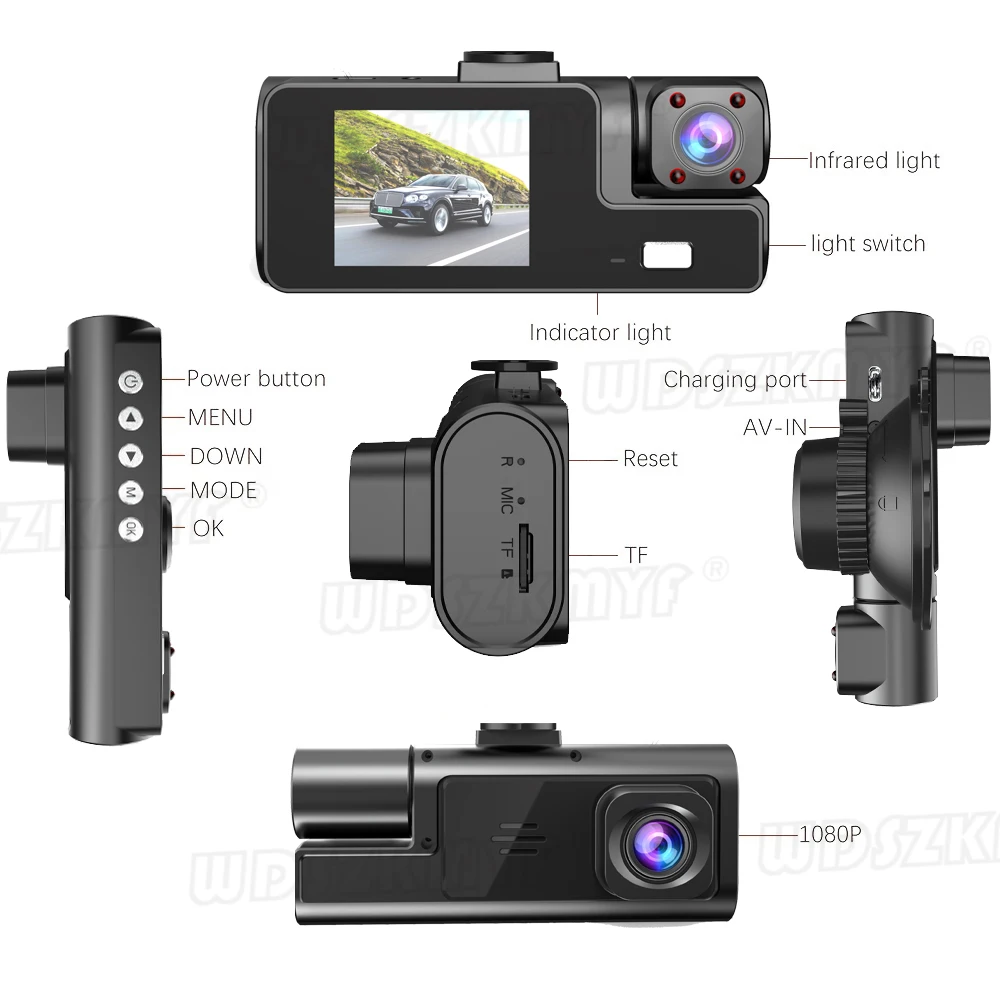
Interface: Support TYPE-C
Time Synchronization: Support
Support memory card: TF Card (C10
Built-in stereo: support
Frequency: 50HZ / 60HZ
Supported languages: Chinese, English, French, German, Russian, Polish,Japanese, Portuguese, Spanish,Korean,etc
New HD 3 Lens WIFI Dash Camera
Only Front Camera: 1080P
Front + Rear Camera:1080P+1080P;Front & Inside Camera:1080P+720P;
Front & Inside & Rear Camera:1080P+720P+720P
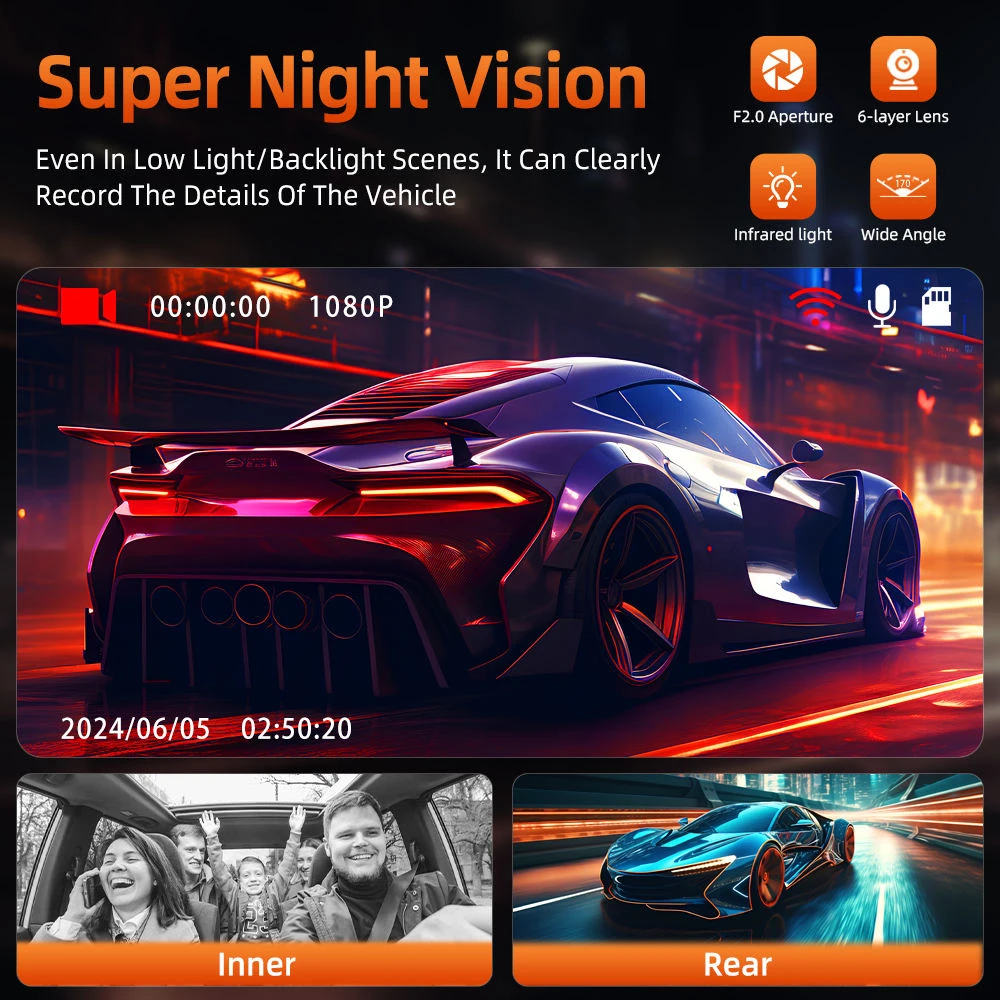
Starlight Night Vision
With the help of F1.8 wide aperture and the decent low-lightperformance of the lens, the car camera is able to capturedetails like license plates at night.
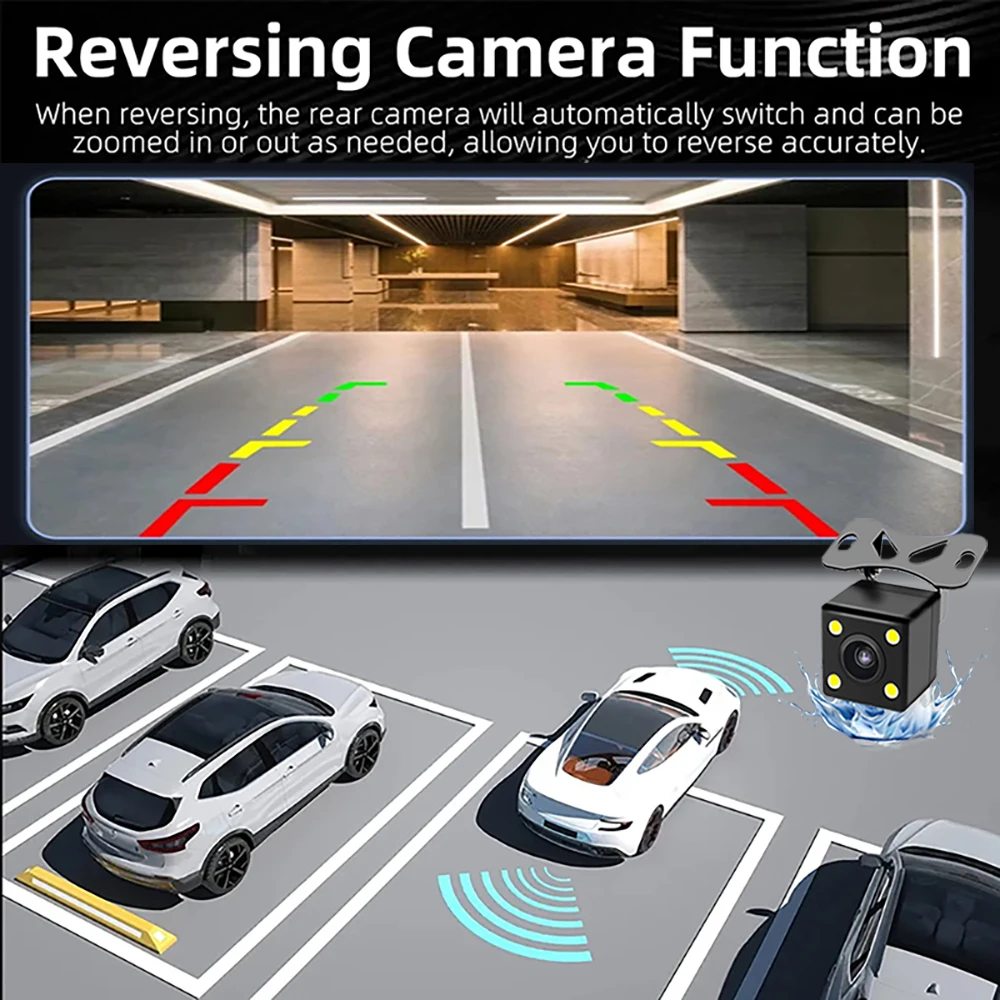
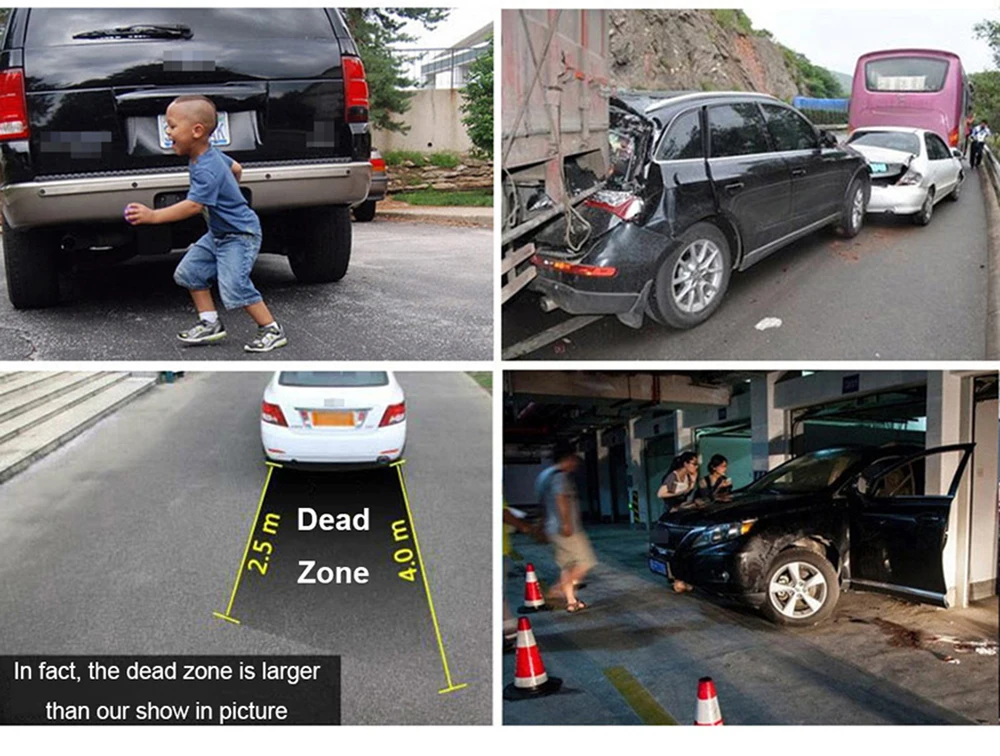
Reversing Image
When the car in reverse gear, the car DVR will automatically switch to the rear camera imaging view with parking line, ensures safety for parking.
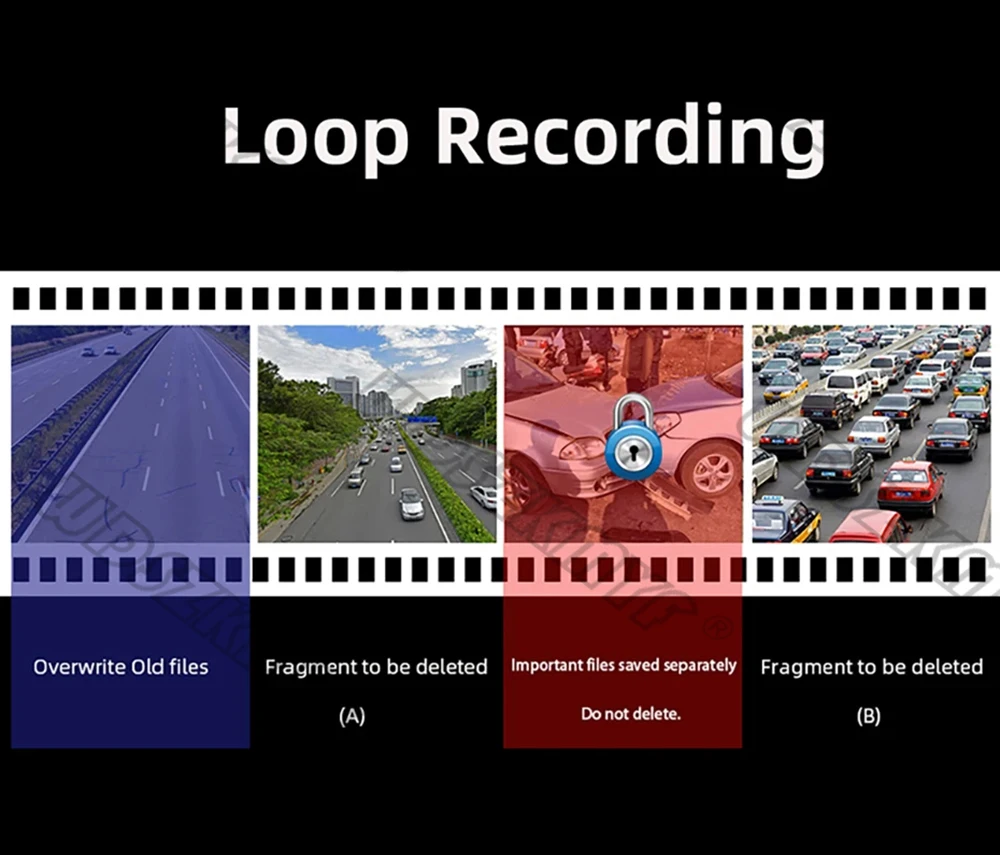
Loop Recording
Every detail would be automatically record and not miss one second, unlocked data would be overwritten automatically when TF card is run out of storage.
G-Sensor
In the event of an impact or collision, the built-in G-sensor would lock and save the video, and the video would not be overwritten by loop recording.
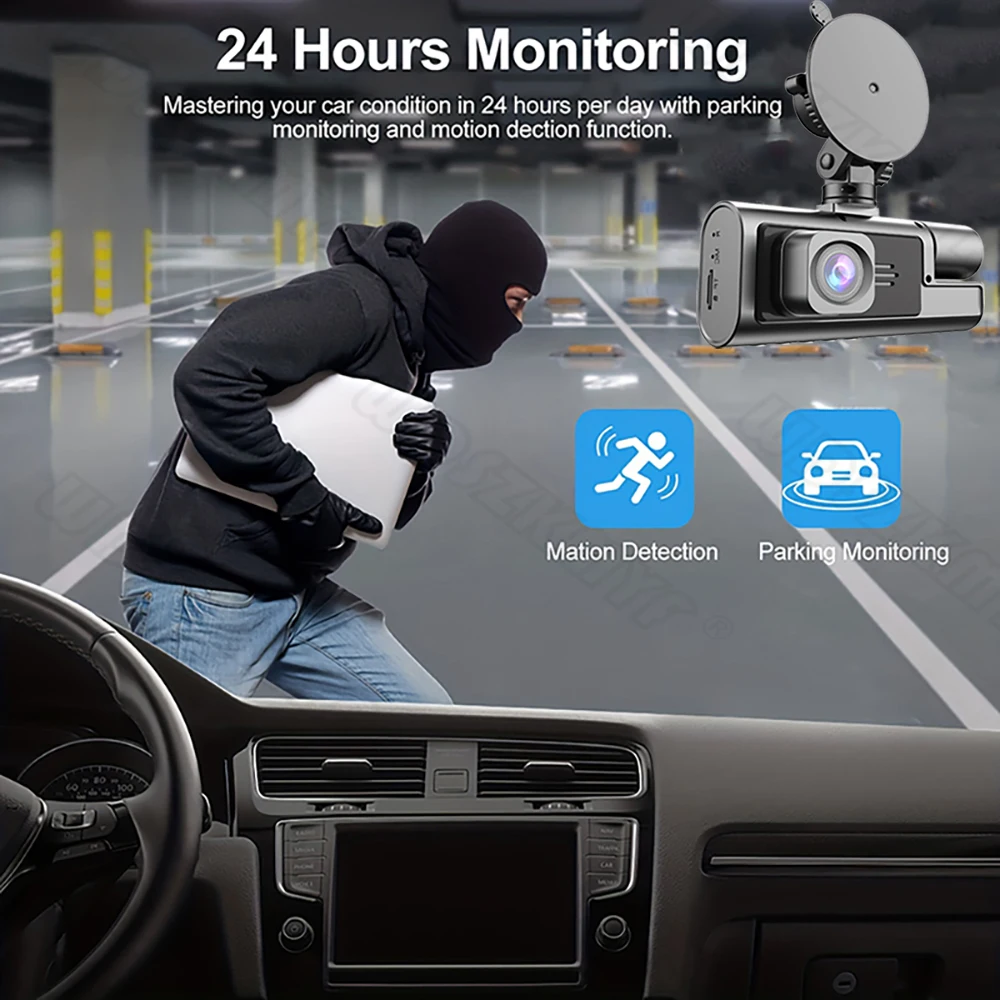
24h Parking Monitor
When Someone Near Your Car Or Vehicle Starts To Move,Automatically Turn On And Start Recording When Detects Any Impact Or Collision,The Device AutomaticallyAutomatically Recording For Few Seconds,Make Sure 24hr Parking Guard.Attention: It Should BeConnected By A Dvr Exclusive Power Cable.
Users who want to use the 24-hour parking monitoring function need to purchase their own buck cable.
Easy Installation
Install dash cam on the wind shield, align the cable and connect to the cigarette lighter by car charger, the dash cam would automatically work when you start the car.
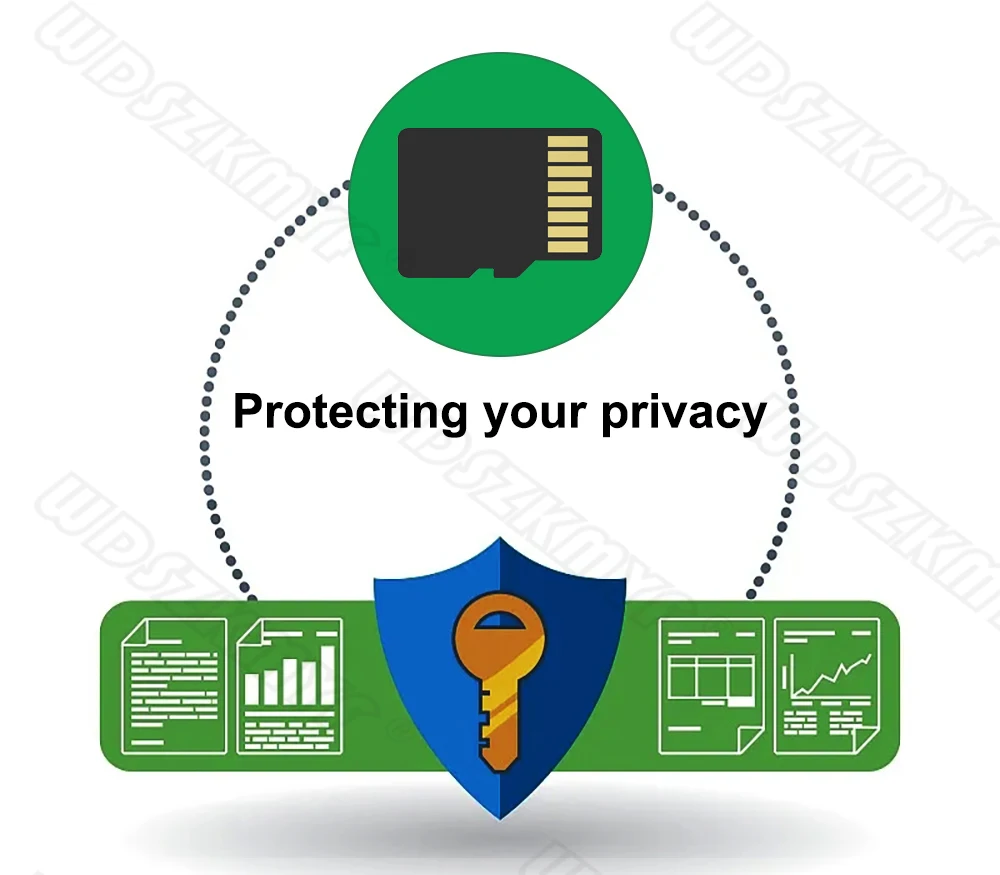
To protect your privacy, the TF card needs to be formatted for the first time. There are two solutions:
1. Insert the TF card correctly into the dash cam, open the camera settings, find the storage card format, confirm that the formatting is complete, and then restart the camera to use.
2.Connect to the mobile application, search for settings in the mobile application, format the memory card, confirm formatting is complete, and then restart the camera to use it. Sincere wishes to you and your family.
Please note:
Upon receiving the package, please check the product immediately for any damage. If there is any problem, please contact me immediately. (Damage to the box is normal, as the box is only used to protect the internal product from damage)